Bring one real song
Start with the song, service set, arrangement, or rehearsal item that currently creates the most back-and-forth.
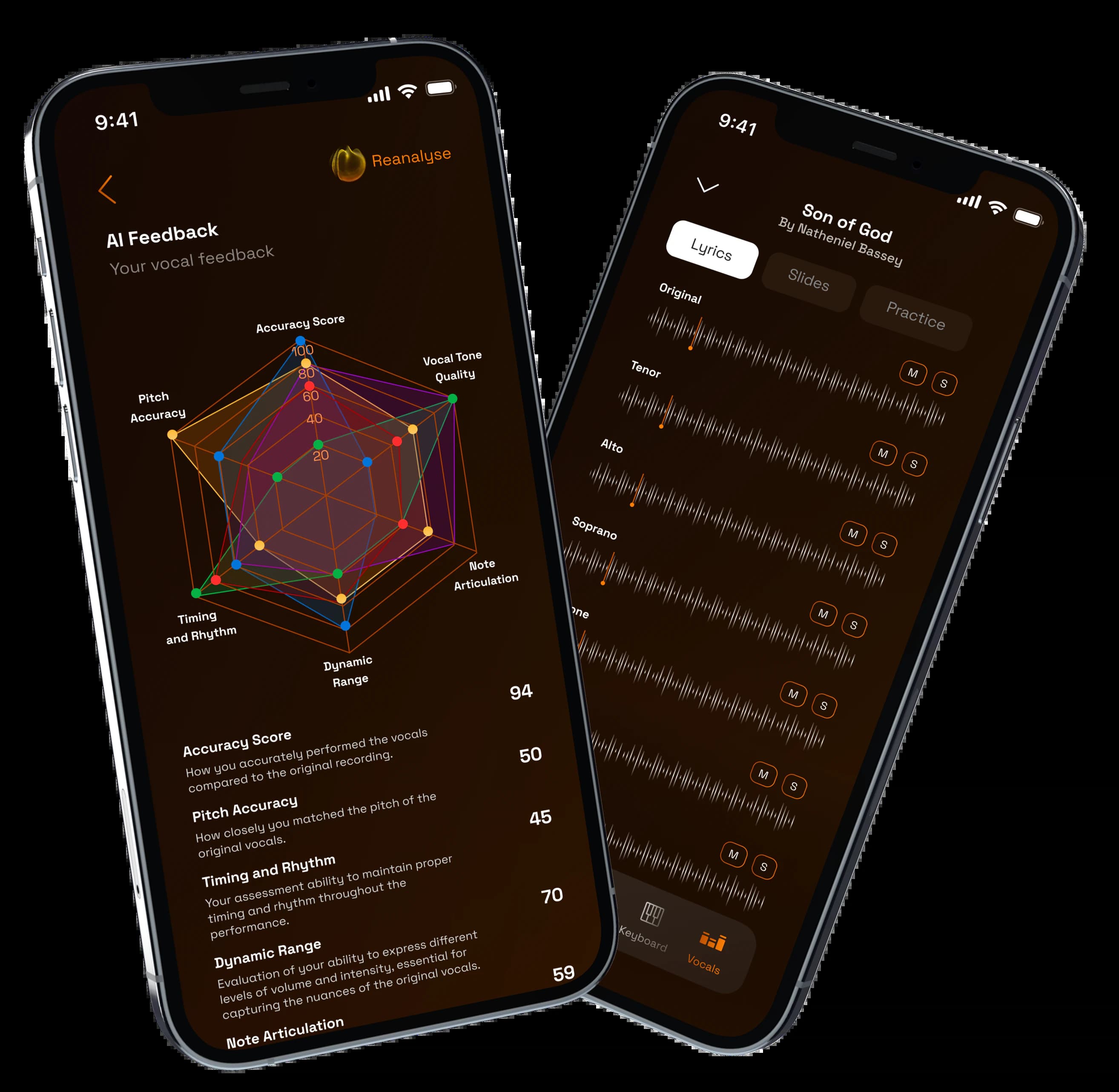
Follow the rehearsal path from song setup to part practice, recordings, feedback, and a better-prepared room.
1
song to start the walkthrough
3
team questions answered
1
clear next step for rollout
Start with the song, service set, arrangement, or rehearsal item that currently creates the most back-and-forth.
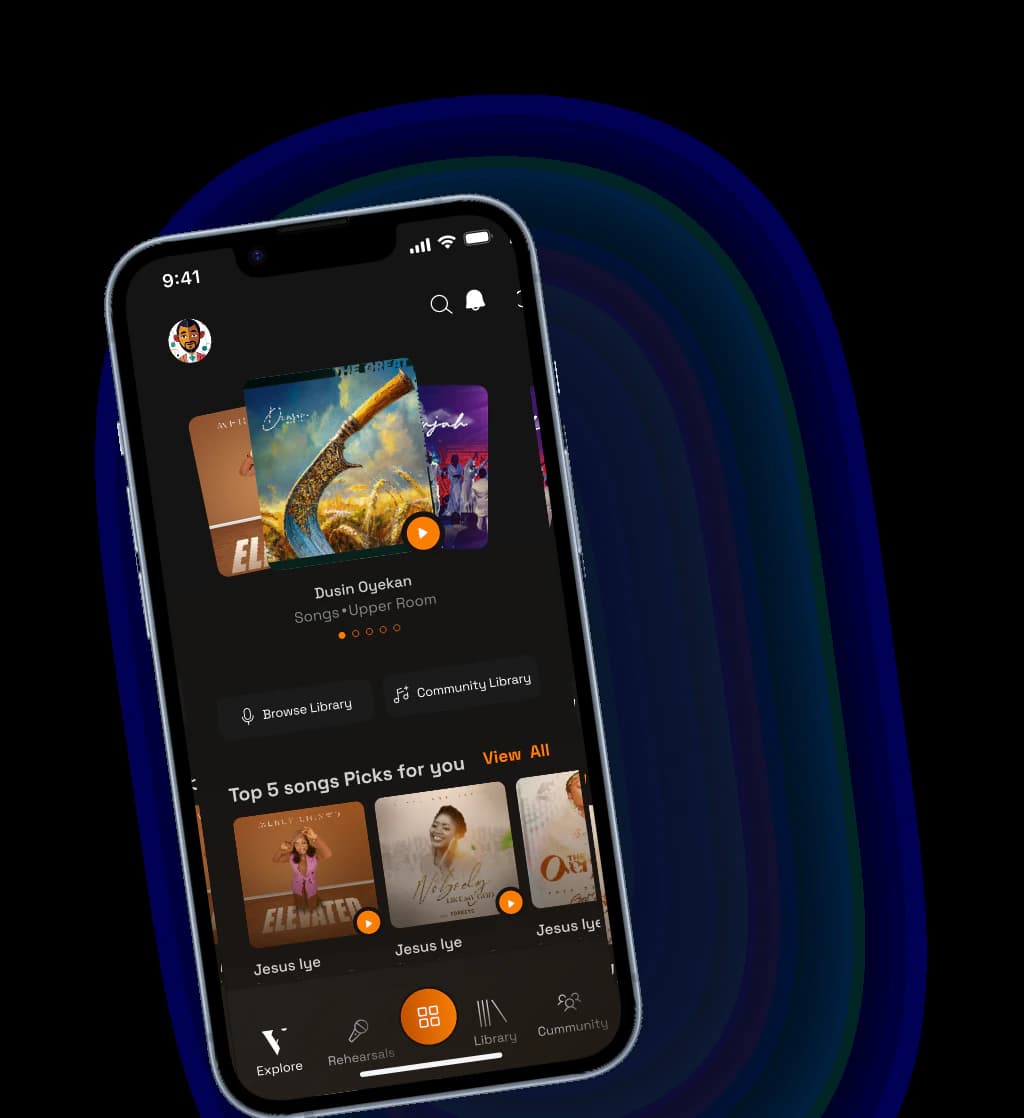
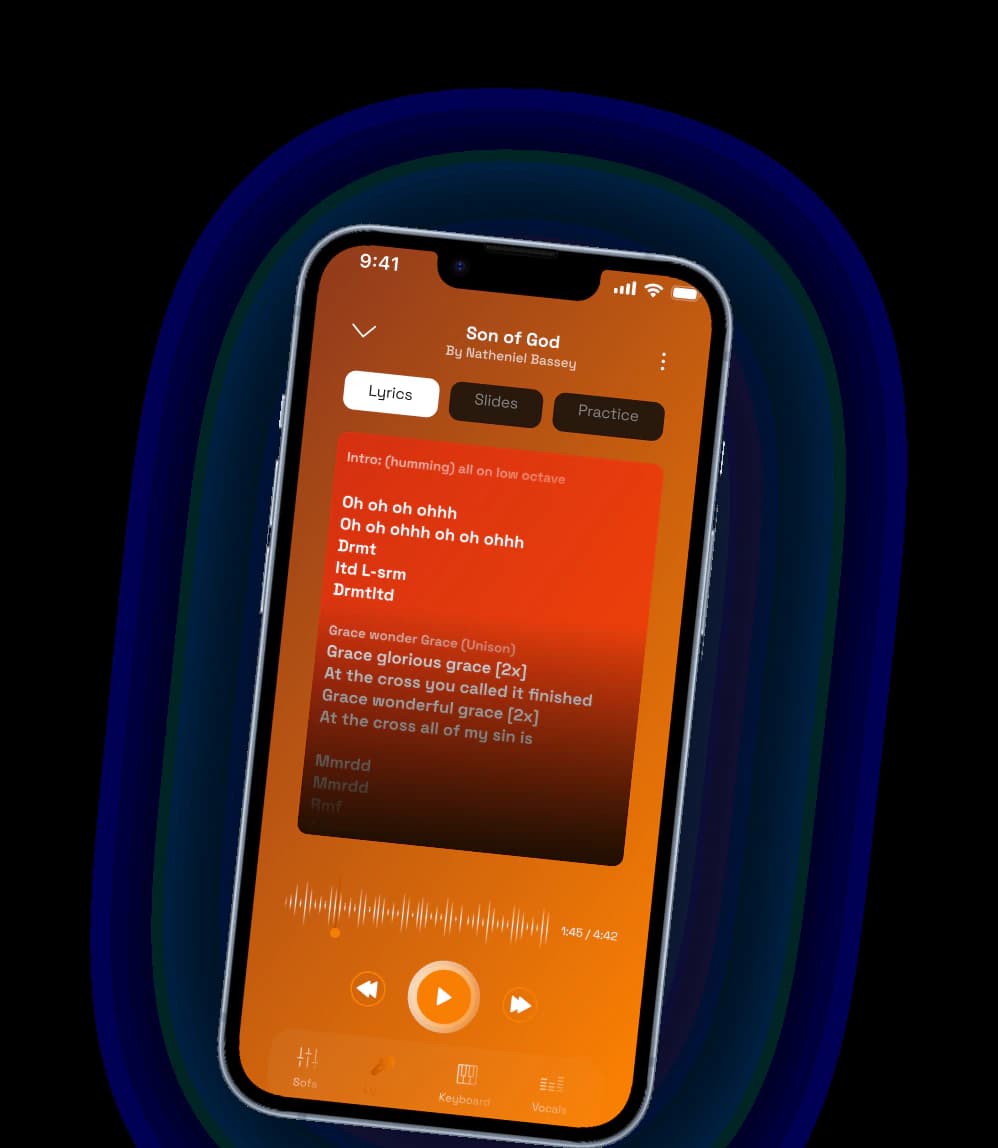
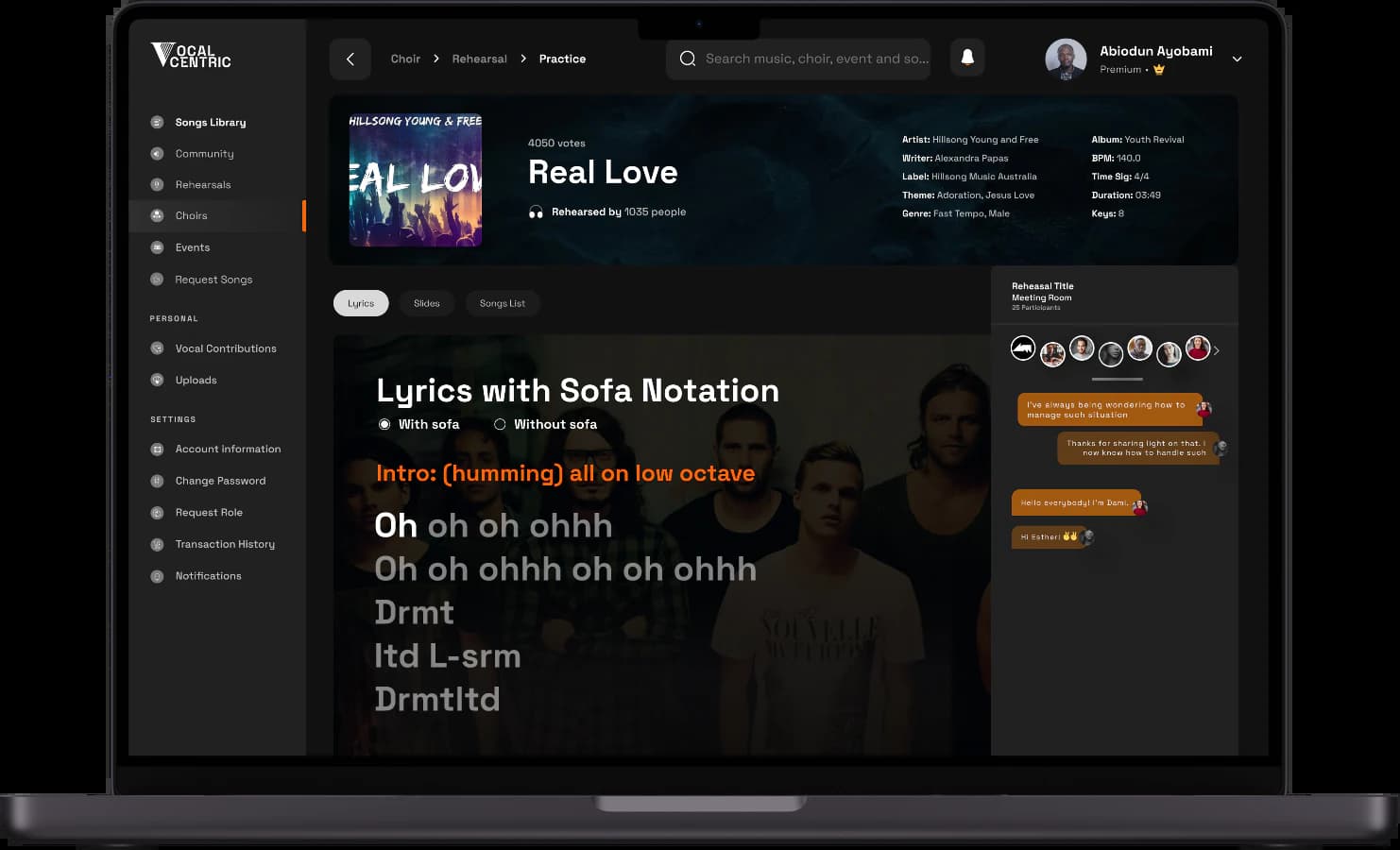
See where lyrics, stems, parts, notes, recordings, and review fit into one connected rehearsal path.
Choose whether to start with singers, directors, a worship set, a choir hub, or a recurring rehearsal workflow.
The best walkthrough starts with the pressure point: scattered files, uncertain preparation, missing feedback, or rehearsal time spent reteaching parts.
See how assignments, submissions, and review signals help you spend rehearsal time on the music itself.
Walk through service setlists, vocal parts, rehearsal notes, and the material your team needs before Sunday.
See how stems, guide vocals, contributor requests, and feedback stay connected around the project.
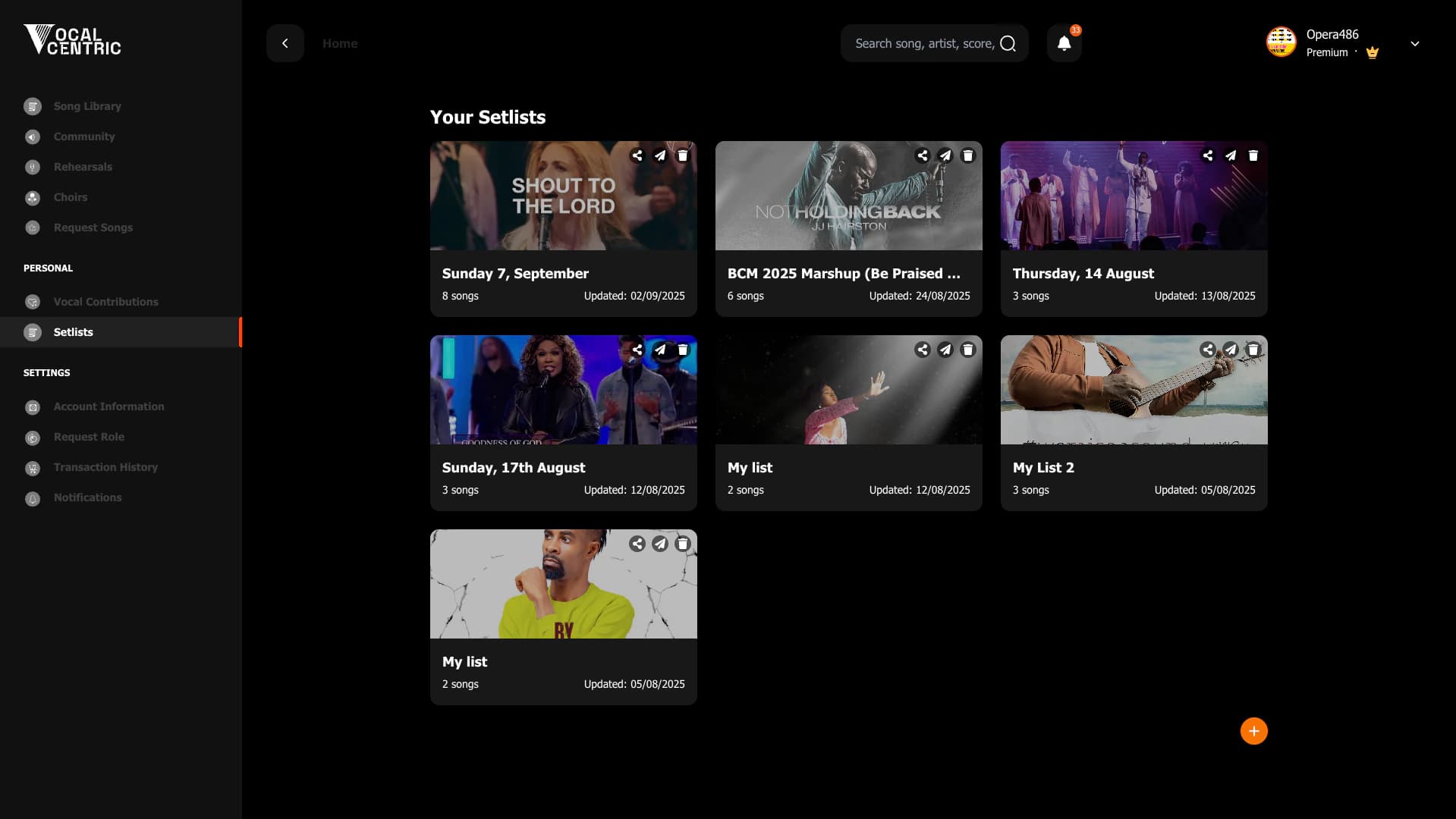

A good demo should make the next rehearsal feel easier to prepare, assign, practice, and review.
Create a workspace, bring one song, and use the walkthrough path to decide where VocalCentric fits first.