Free
FREE PLAN
$0
/ monthStart with solo practice and rehearsal prep
- Song Parts
- Rehearsal
- Song Request
Start with the plan that fits today's rehearsal work, then grow into shared songs, setlists, member preparation, and director review as your team expands.
$0
to start practicing
4
plan options, including enterprise
1
workspace for songs and review
Free
$0
/ monthStart with solo practice and rehearsal prep
Paid
$0.99
/ monthFor singers and musicians who want deeper practice
Paid
$10.99
/ monthBuilt for choirs, ministries, schools, and music teams
Custom
Get a quote
Custom pricing for large choirs, schools, ministries, and multi-team organisations
VocalCentric is priced around practical preparation, not complicated software seats. Start with one singer or one team and expand the workflow when it proves useful.
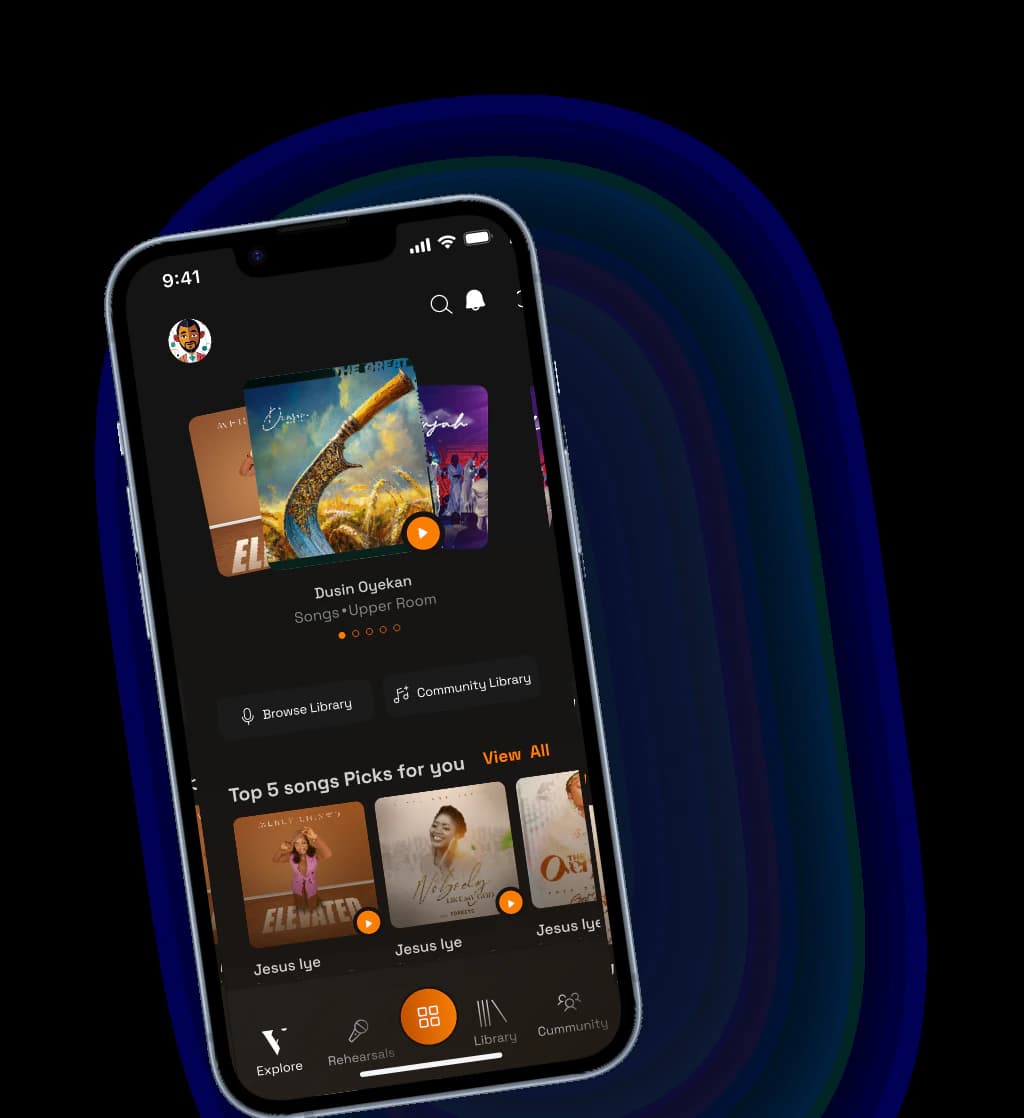
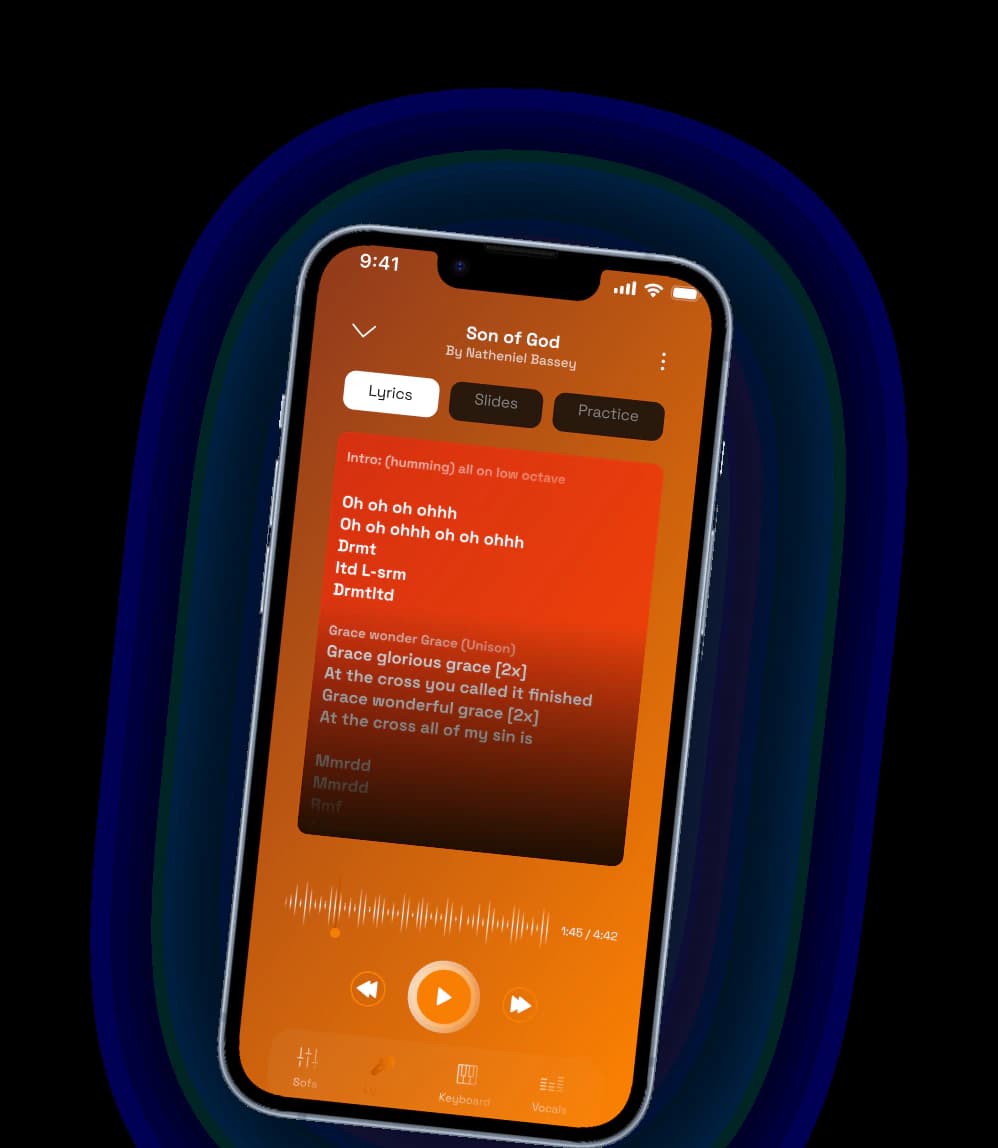
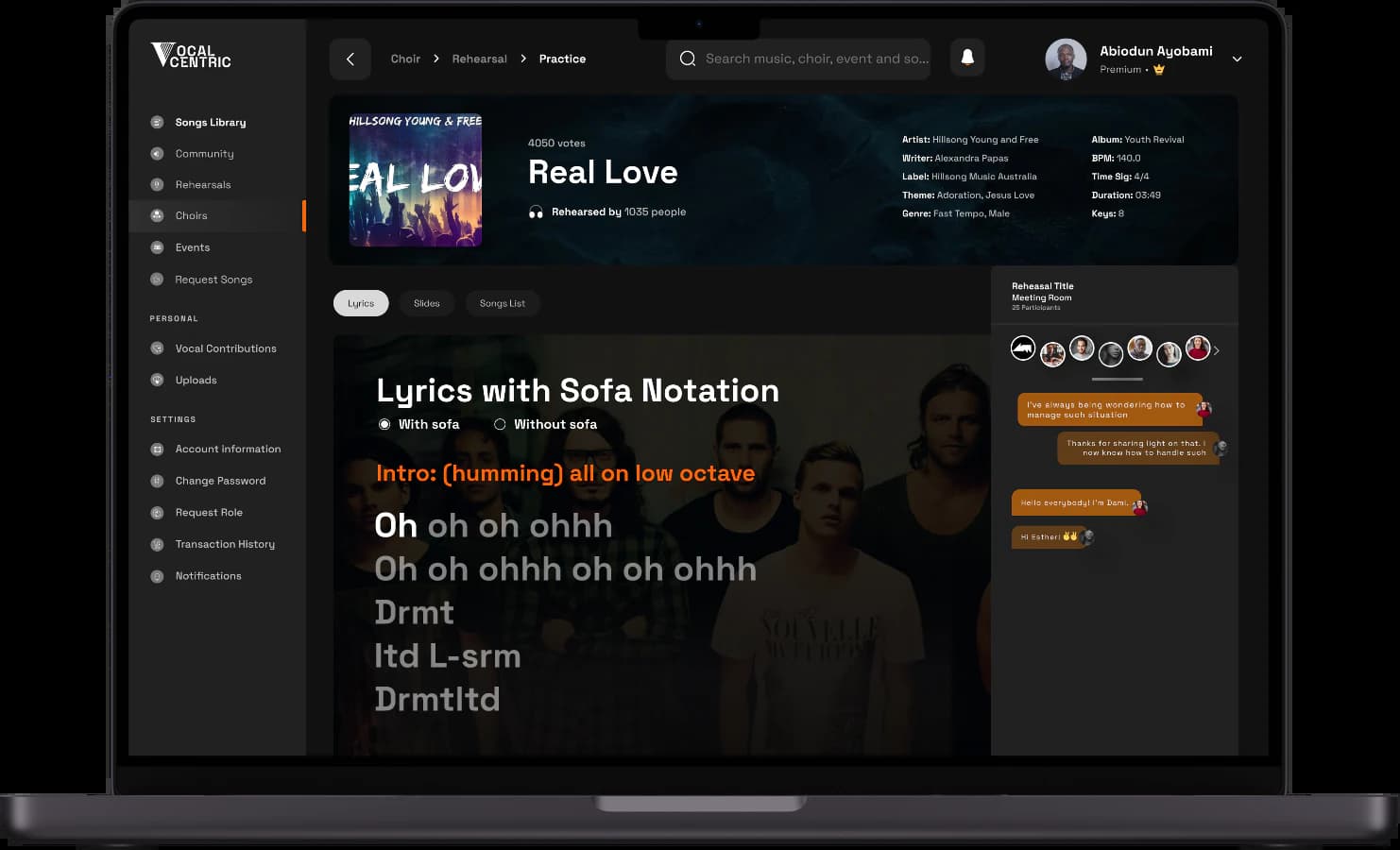
Keep rehearsal material around the song instead of scattered across chats, drives, and old links.
Build service, concert, session, and rehearsal orders with the notes your team needs.
Give singers the right learning resources before they arrive in the rehearsal room.
Use recordings and preparation signals to know what needs attention before live rehearsal.
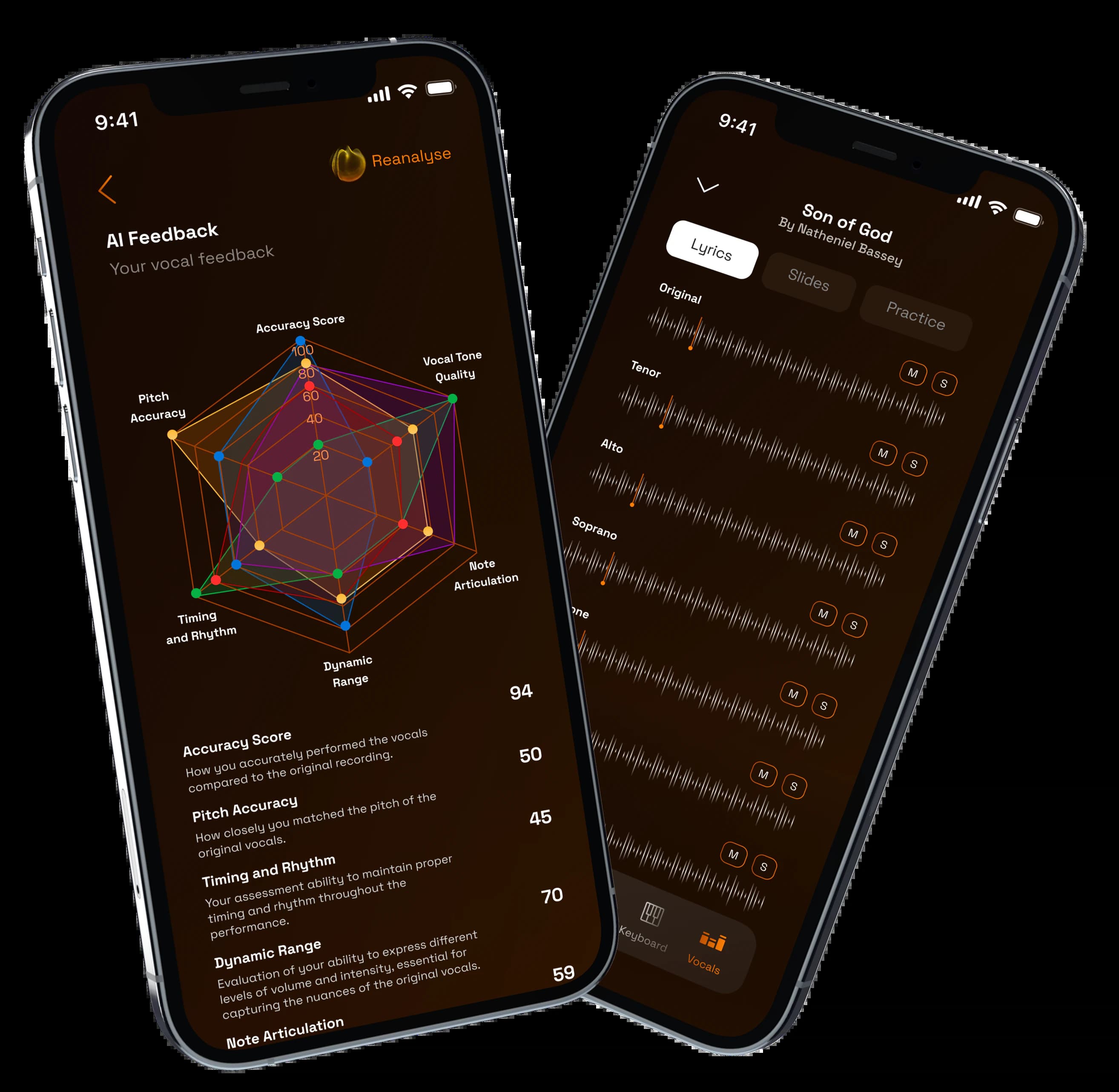
Use AI-assisted feedback where available and keep director review tied to the rehearsal work.
Give singers and leaders a mobile-friendly path into the next useful rehearsal action.
Use these answers to choose the right starting point for your rehearsal workflow.
Yes. You can start with solo practice or a small rehearsal workflow, then expand when your choir, worship team, or music group is ready.
Teams should start with the plan that supports shared songs, members, setlists, practice resources, and director review. If you are unsure, start with the workflow that needs the most help first.
No. VocalCentric connects the rehearsal layer: songs, parts, practice, recordings, feedback, setlists, and preparation visibility.
Yes. VocalCentric is designed for individuals and organized teams. Larger rollouts can start with one choir, one program, or one recurring rehearsal workflow.
Use VocalCentric with one song or one section first, then expand when the rehearsal workflow is working.