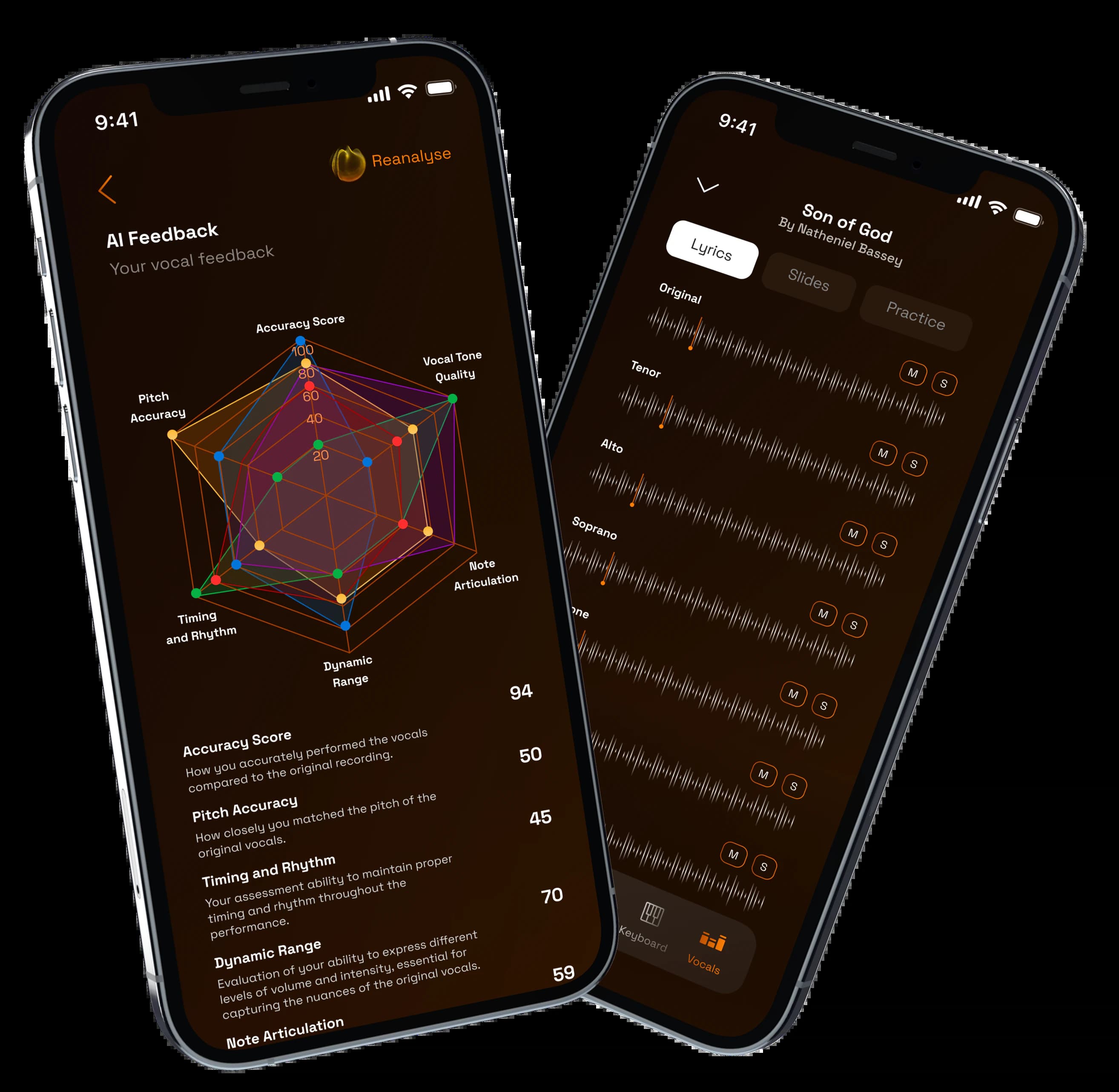
What is this page about?
Coordinate parts, collect takes, share references, and help collaborators practice around the exact material that matters.
Coordinate parts, collect takes, share references, and help collaborators practice around the exact material that matters.
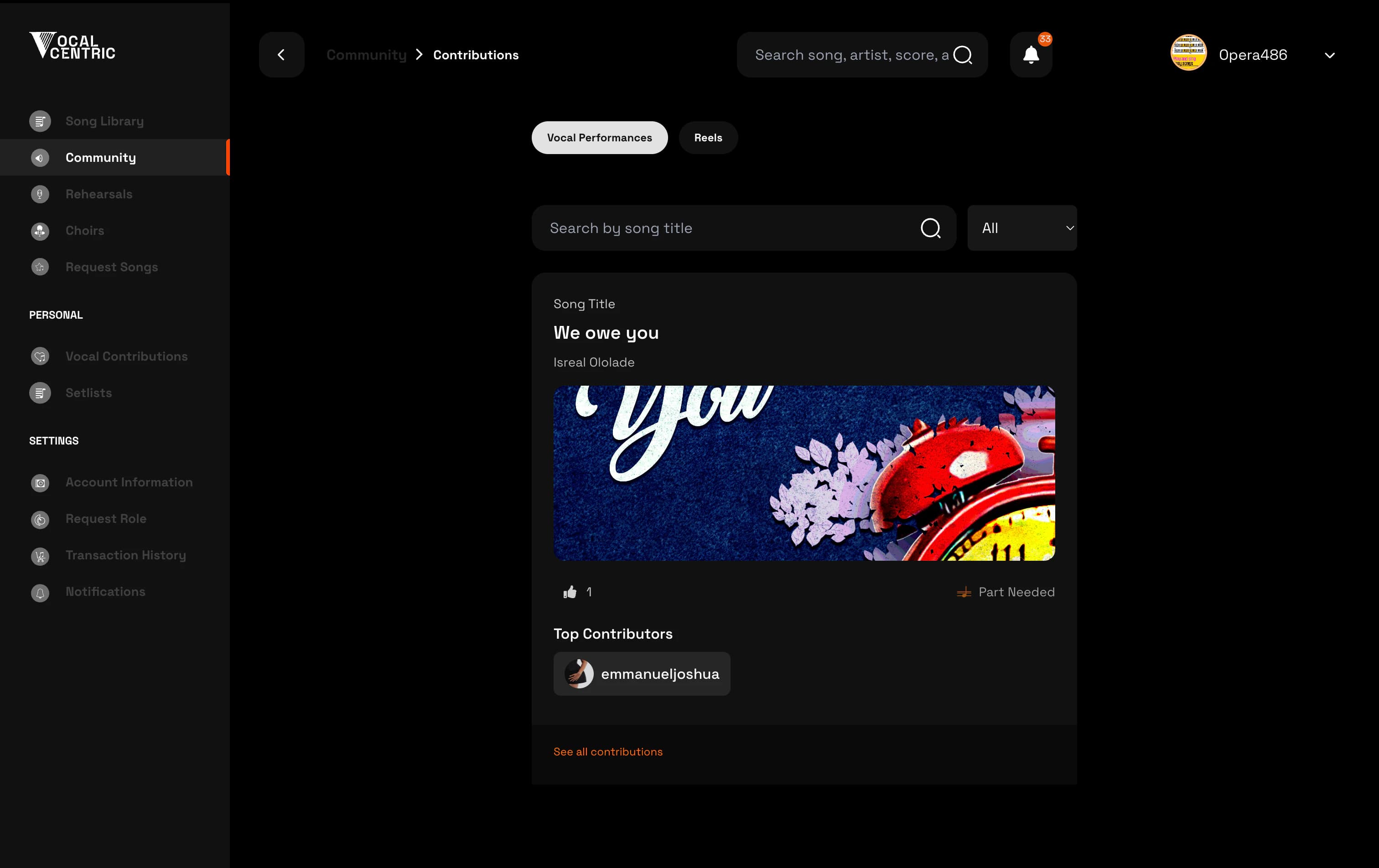

A focused VocalCentric path for producers - from setup to confident rehearsal.
01
Stem sharing
02
Contributor flow
03
Project context
04
Feedback loops
Coordinate parts, collect takes, share references, and help collaborators practice around the exact material that matters.
Use VocalCentric as the shared space between production direction and vocal execution. Turn high-quality stems and references into repeatable practice and contribution material.
This VocalCentric path supports share the reference, collect useful takes, review with clarity, and keeps the related songs, resources, members, and review context connected.
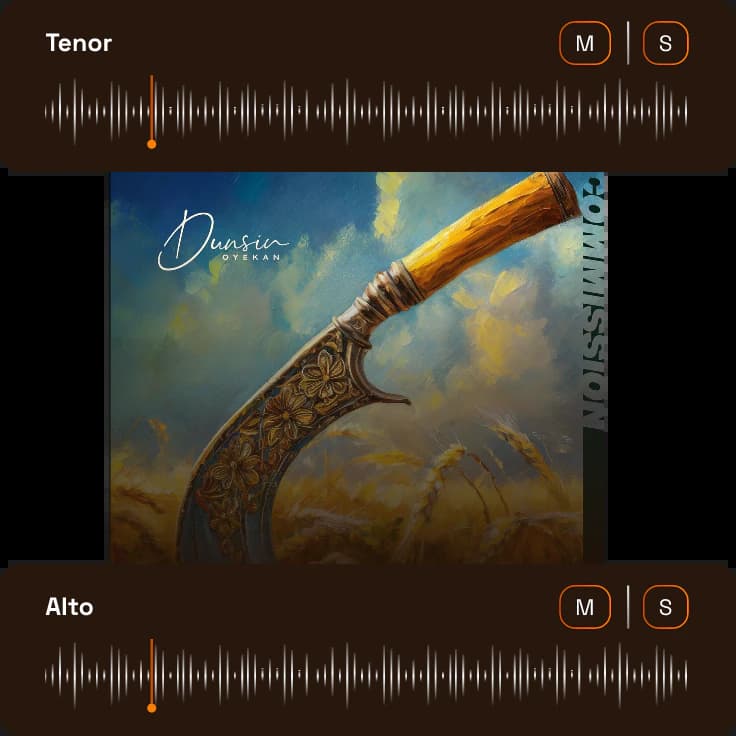
Keep guide vocals, references, and parts connected to the project instead of scattered in chats.
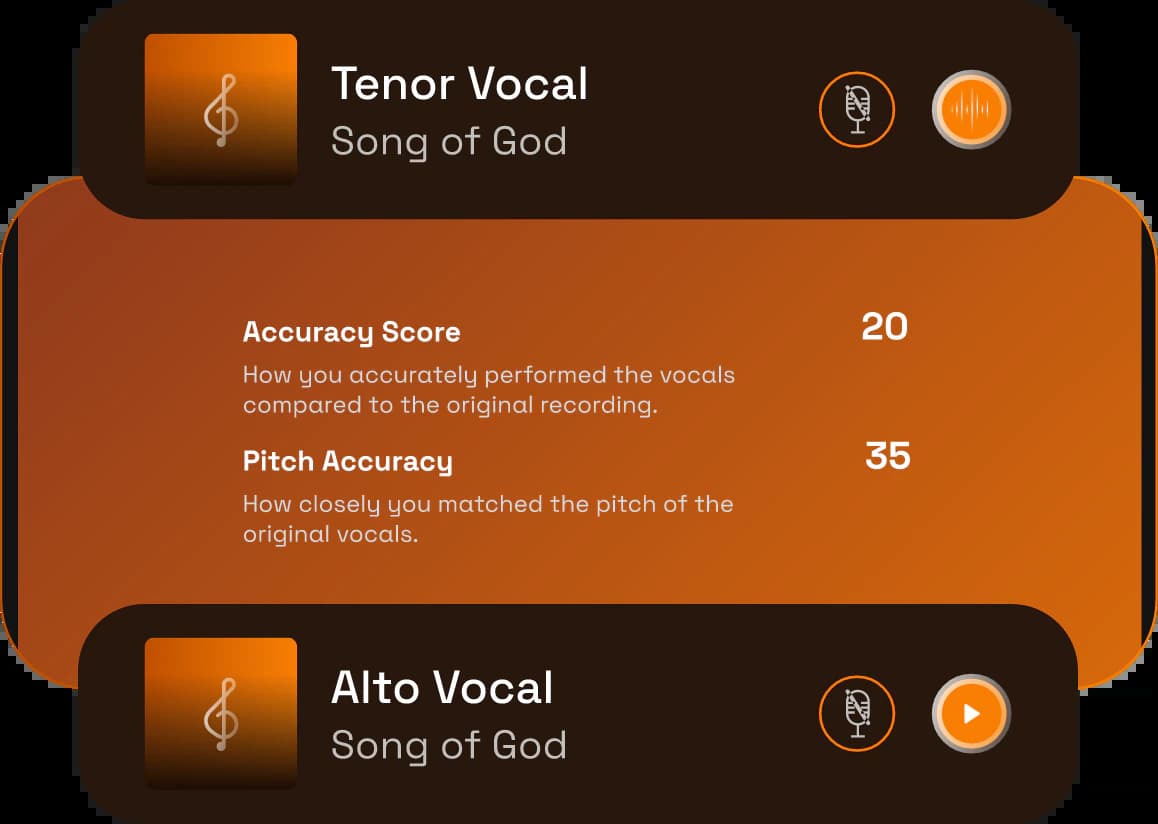
Give singers a clear path to hear the reference, record, and submit useful takes.
Leave precise direction so collaborators know what to fix before the next pass.

Turn finished resources into practice material for future rehearsals and sessions.
01+
Keep stems, guide vocals, and rehearsal notes connected to the project instead of scattered in chat threads.
02+
Route singers and collaborators through a focused contribution path with the right context up front.
03+
Compare submissions and guide contributors toward the sound, timing, and arrangement you need.
Watch how VocalCentric supports producers from setup through rehearsal readiness.
0:00 / 0:00
Answers shaped by practical rehearsal, preparation, and team-management questions from real choir workflows.
Yes. You can share the reference, guide collaborators through practice, collect useful submissions, and give clearer direction before the next pass.
Yes. Stems, guide vocals, notes, and singer instructions can live beside the song or project context instead of being scattered across chats.
Yes. Singers can practice against the material you provide, including isolated parts and references that reflect the sound you are building.
No. It supports the collaboration layer around production: preparation, vocal practice, submissions, feedback, and reusable song resources.
Yes. VocalCentric is designed to organize the material your team already uses, including songs, notes, stems, links, and practice references.
Yes. Remote practice helps singers prepare before the room comes together, while in-person rehearsals become more focused because everyone has the same reference material.
Give every singer the right part, track preparation, review submissions, and keep rehearsal time focused on blend, timing, and expression.
Hear your line clearly, follow lyrics and notation, record practice takes, and improve before rehearsal or performance day.
Give worship leaders, vocalists, musicians, and choir members one place for songs, parts, stems, notes, practice recordings, and review.
Try it for free. Or see it in action - in under 5 minutes.