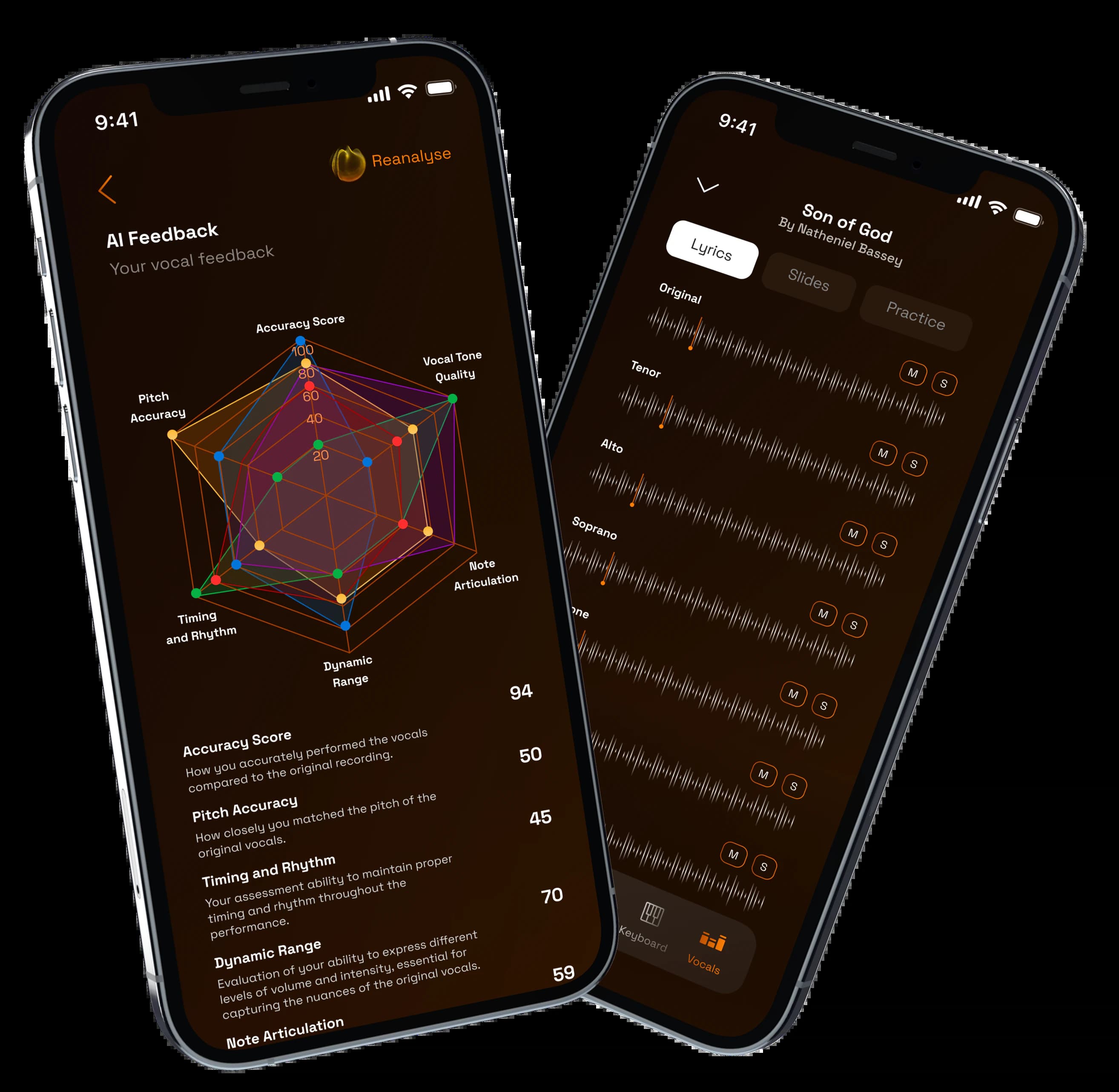
What is this page about?
Plan songs, assign sections, monitor preparation, and keep singers moving from scattered practice to confident performance.
Plan songs, assign sections, monitor preparation, and keep singers moving from scattered practice to confident performance.
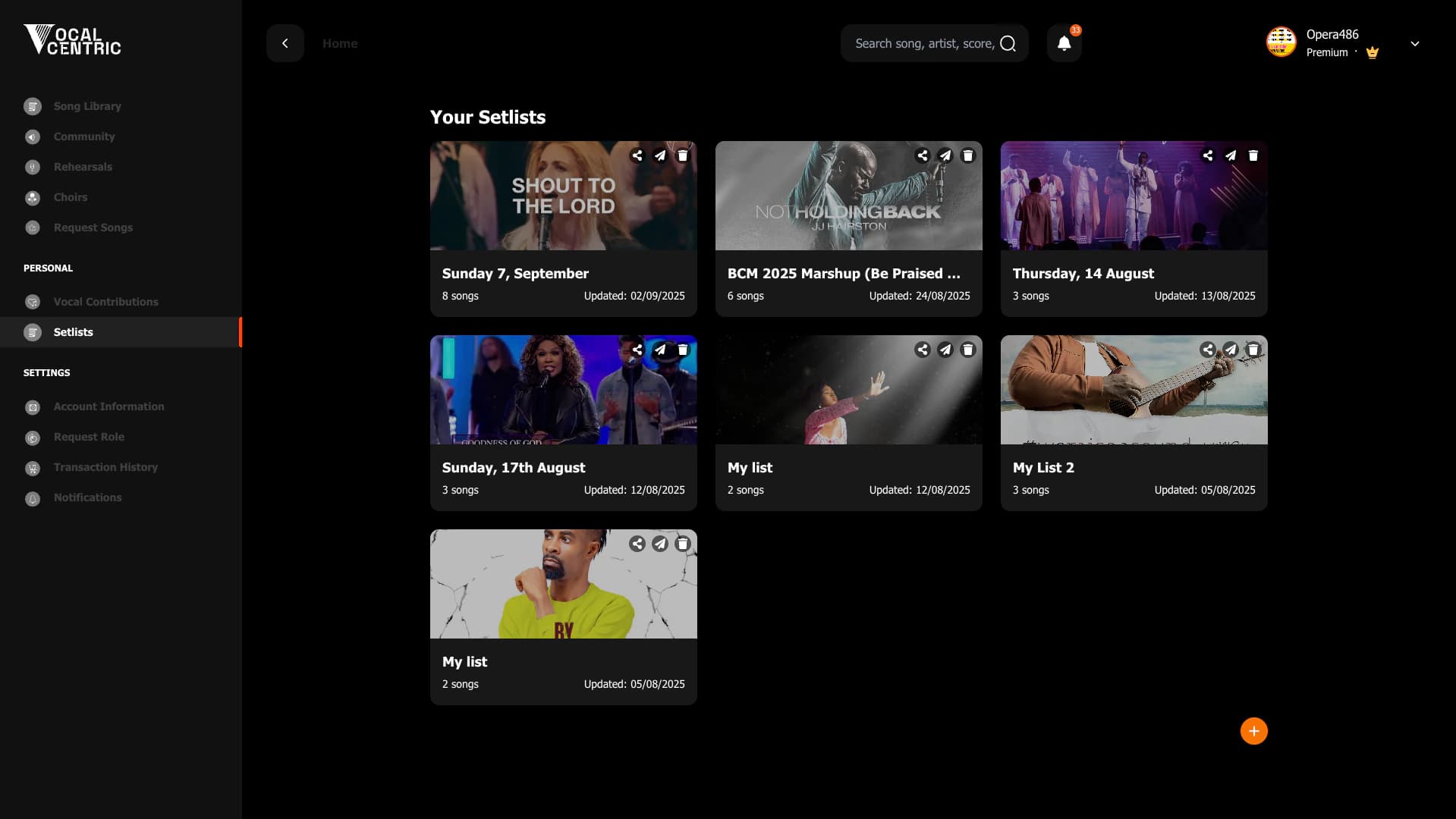

A focused VocalCentric path for directors - from setup to confident rehearsal.
01
Director dashboard
02
Section assignments
03
Rehearsal readiness
04
Feedback requests
Plan songs, assign sections, monitor preparation, and keep singers moving from scattered practice to confident performance.
Keep songs, members, practice material, and progress in a director-friendly command center. Directors can spend less time repeating parts and more time shaping the music.
This VocalCentric path supports set the direction, assign the work, coach with clarity, and keeps the related songs, resources, members, and review context connected.
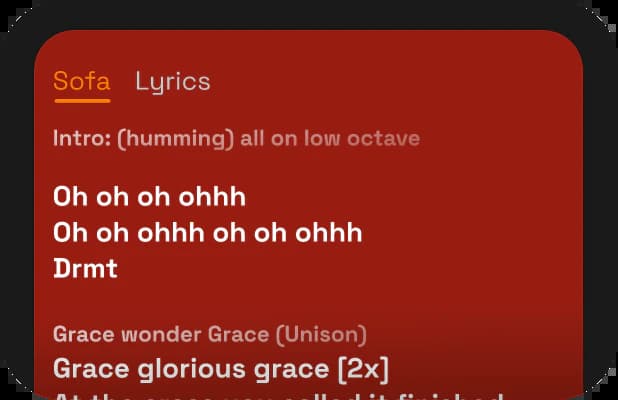
Add links, guide tracks, lyrics, and notes to the songs your team needs to learn.
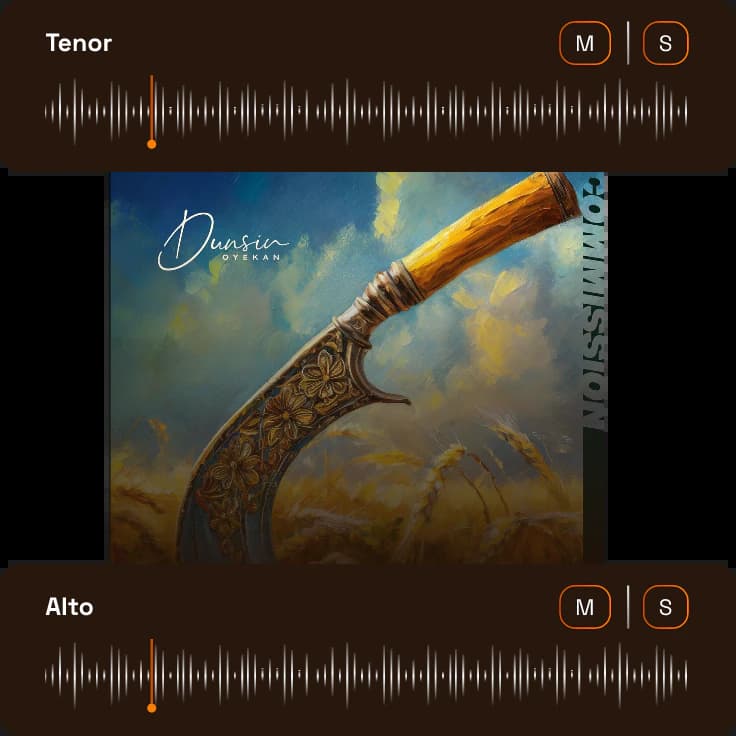
Prepare arrangements and section parts around the sound your choir needs.
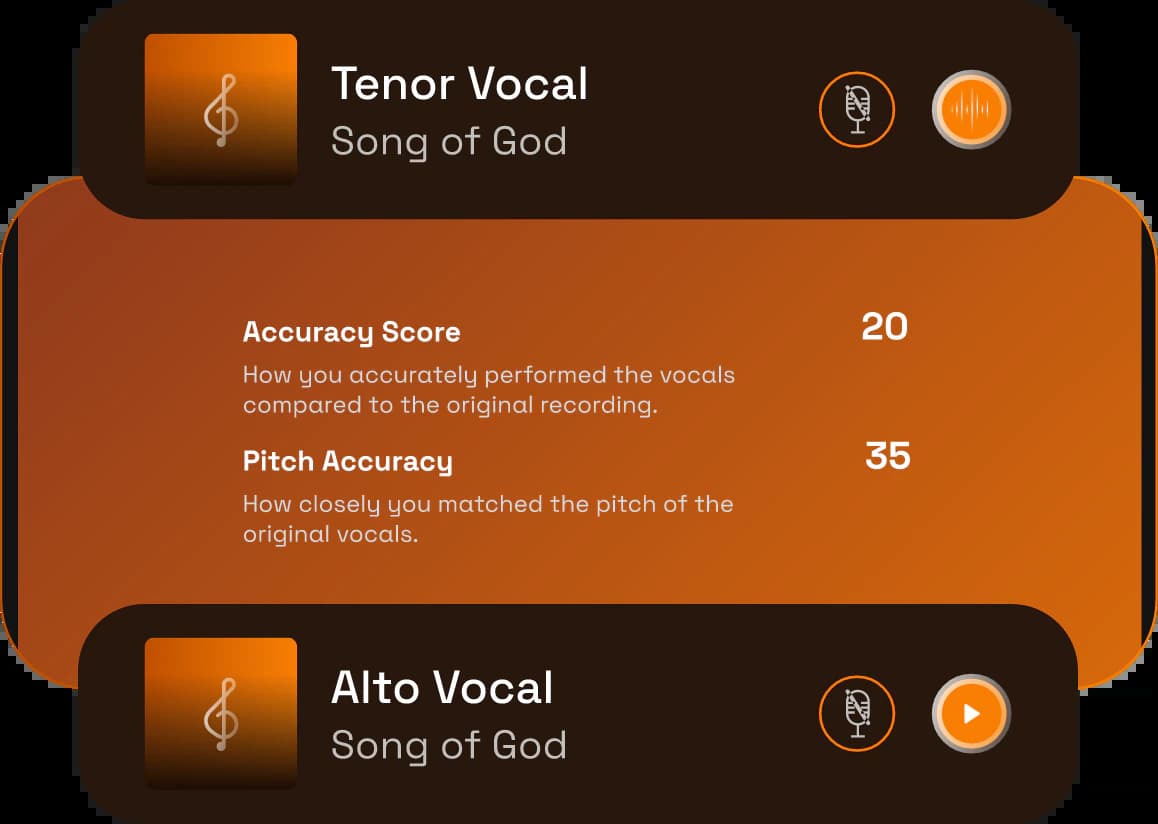
Review submissions and leave direction before the room comes together.

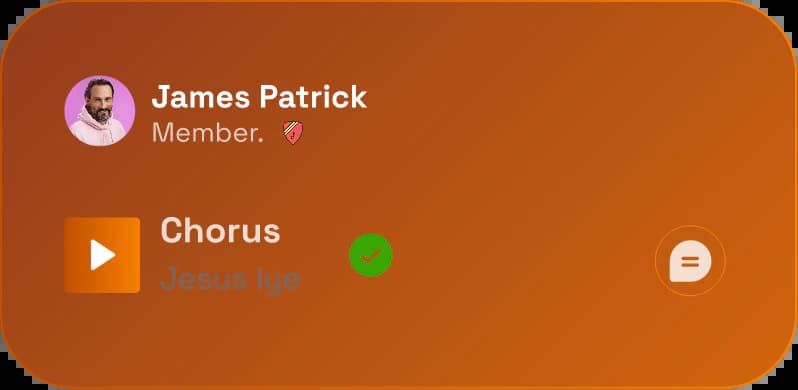
See rehearsal material, members, assignments, and preparation in one focused view.
01+
Build the rehearsal plan around the songs, parts, and outcomes your team needs to prepare.
02+
Give each section the right material, context, and practice path before the first note is sung together.
03+
Review submissions and preparation signals so live rehearsal time goes toward blend, dynamics, and expression.
Watch how VocalCentric supports directors from setup through rehearsal readiness.
0:00 / 0:00
Answers shaped by practical rehearsal, preparation, and team-management questions from real choir workflows.
Yes. Directors can attach lyrics, links, notes, guide tracks, stems, and references so singers know what to study and where to start.
Yes. Practice recordings and feedback flows help you spot issues before rehearsal time is spent discovering them.
Yes. You can keep arrangement context and section material connected to the song, then assign it to the people who need it.
It gives directors better preparation and review context, which can make coaching more specific. Sensitive personnel or conduct concerns still need direct leadership and clear choir policies.
Yes. VocalCentric is designed to organize the material your team already uses, including songs, notes, stems, links, and practice references.
Yes. Remote practice helps singers prepare before the room comes together, while in-person rehearsals become more focused because everyone has the same reference material.
Give every singer the right part, track preparation, review submissions, and keep rehearsal time focused on blend, timing, and expression.
Coordinate parts, collect takes, share references, and help collaborators practice around the exact material that matters.
Hear your line clearly, follow lyrics and notation, record practice takes, and improve before rehearsal or performance day.
Try it for free. Or see it in action - in under 5 minutes.